Private by design
Speech Companion
A safe space to develop and practice your communication.
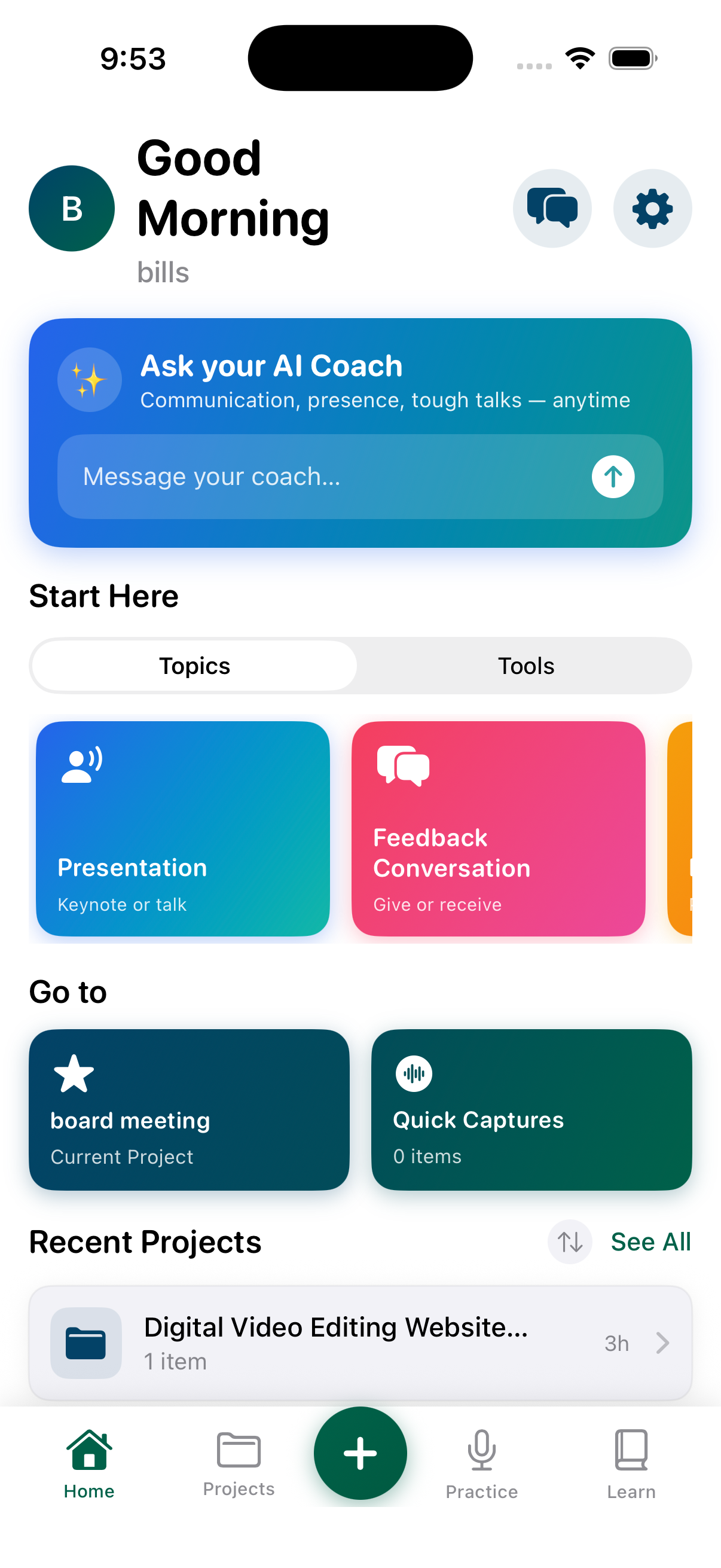
A safe space to develop and practice your communication.
Develop your message, practice until it feels natural, use support while you speak, and learn from every attempt—all inside one private project.
Turn a thought, notes, or an existing draft into a clear outline, script, or plan for an important conversation.
Edit a selected passage with AI working inside the context of your speech or conversation—not in a disconnected chat.
Tools from world-class speech coaches help you leave the script behind, know your material, and speak with confidence using only the notes you need.
Use customizable text, pacing, and display controls when you want support while practicing or speaking.
Record practice sessions, review playback and transcripts, and use analysis to improve your next attempt.
Speech Companion uses your biometrics to help you learn to control nervousness. Capture data while speaking, then review and analyze it with your coach.
Share selected projects with your coach for comments, feedback, and direct conversation while the rest of your workspace stays private.
The goal is not just a better script. It is being ready when it is your turn to speak.
Speak an idea out loud, type a few notes, bring in a draft from the AI tools you already use, or begin with guided prompts inside Speech.net. Your work starts in a private project you control.
Shape it into an outline, script, note cards, or teleprompter content. Use in-line assistance and guided prompts informed by more than 60 years of speaker coaching.
Practice on your phone, from your desk, or hands-free before or after a meeting. Record your delivery, review the transcript, notice patterns in your delivery and biometrics, and refine the next attempt.
Invite a coach or collaborator into a specific project when their perspective will help. Share the work you choose—drafts, recordings, practice sessions, and analysis—without giving up your private workspace.
Walk into the real conversation ready to speak without an AI or coach beside you. Afterward, review what happened, keep what you learned, and carry your progress forward.
AI can help you create a starting point. But a script sitting in a chat window does not prepare you to deliver it. You still need to practice, hear yourself, refine, get feedback, and make the message your own before you walk into the room.
Speech.net is where that work happens—privately. Use the AI you already trust or work with AI inside your project. Then practice, review your delivery, invite a coach when useful, and build the ability to speak on your own.
Capture practice or real conversations from Apple Watch, then review the transcript and guided analysis in your private workspace. Learn from each attempt, wherever the conversation happened.
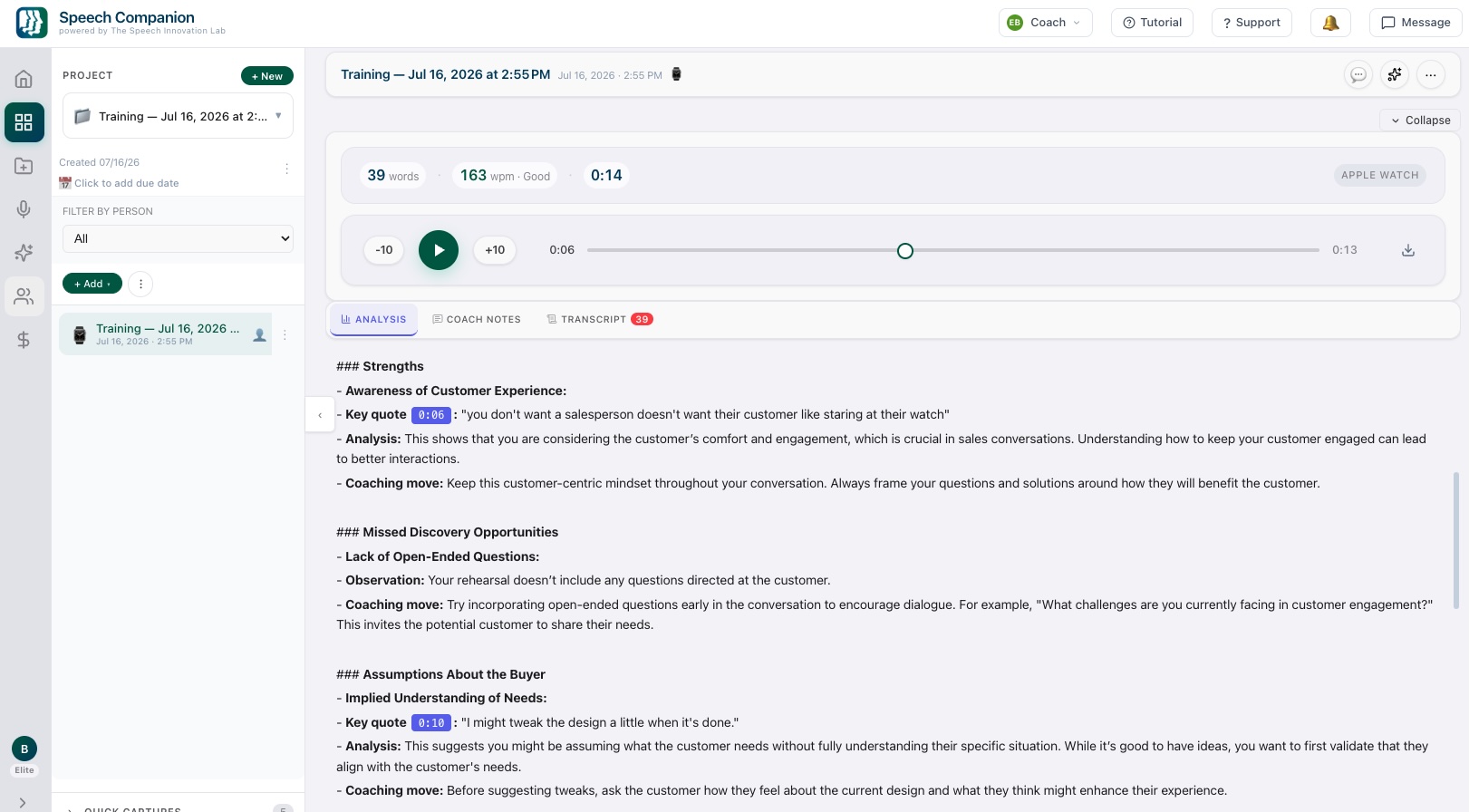
Guided assistance is built into every stage: outlining, writing, analyzing, and practicing. It supports your process without replacing your voice.
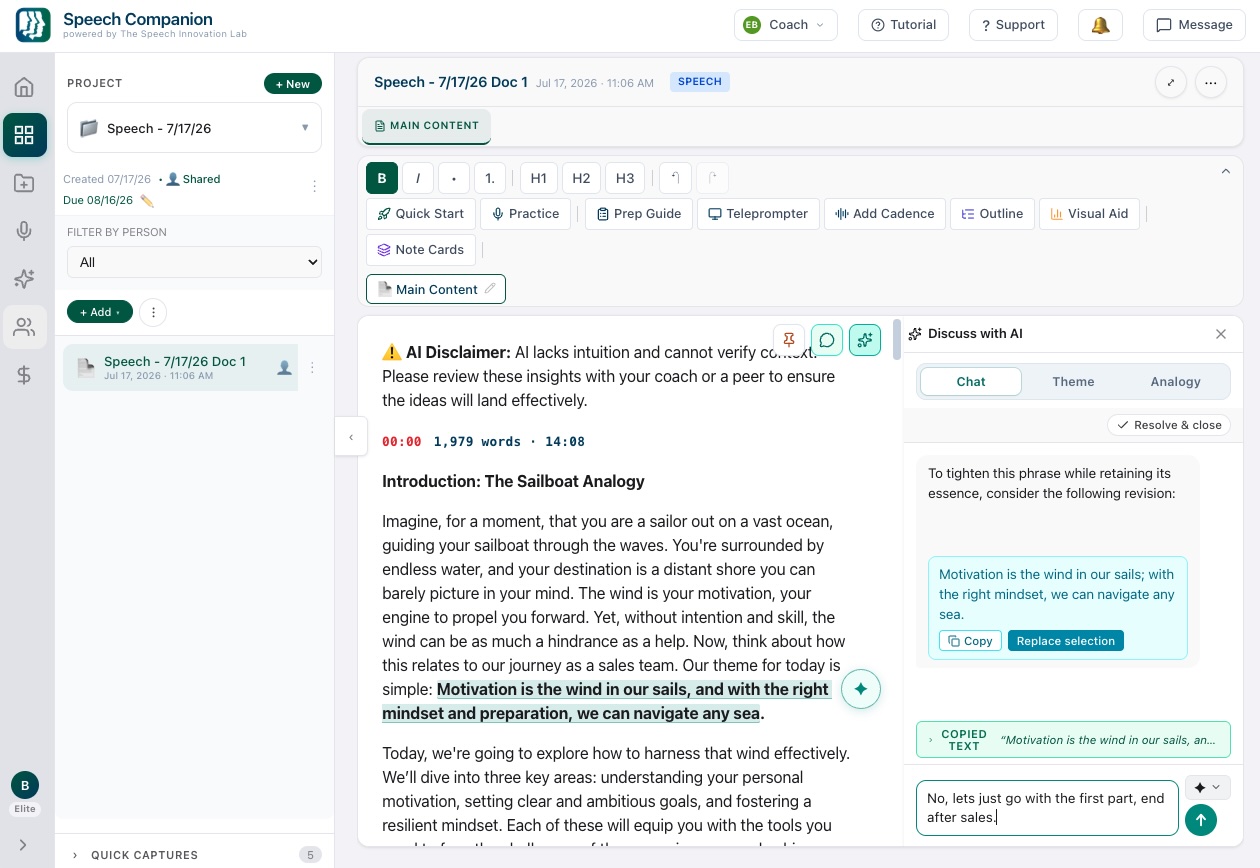
Use proven frameworks and structure tools for any presentation or conversation. Speech Companion assesses the type of speaking you are preparing for and suggests a structure to start with. Edit, revise, and customize it from there.
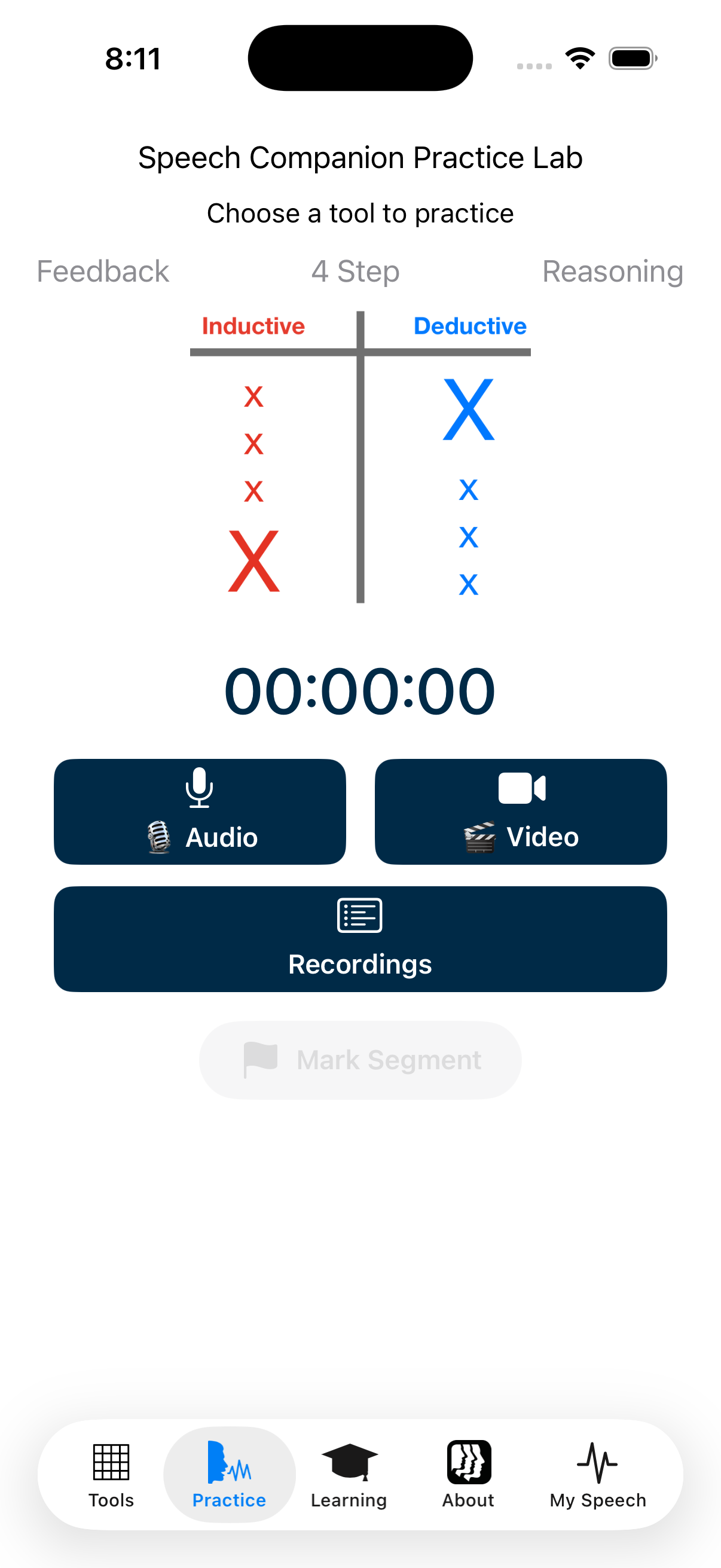
Speech Companion can detect signs of nervousness through your heart rate and provide real-time feedback while you speak. A private haptic alert reminds you to breathe and keep speaking—like having a coach quietly supporting you from the back of the room.
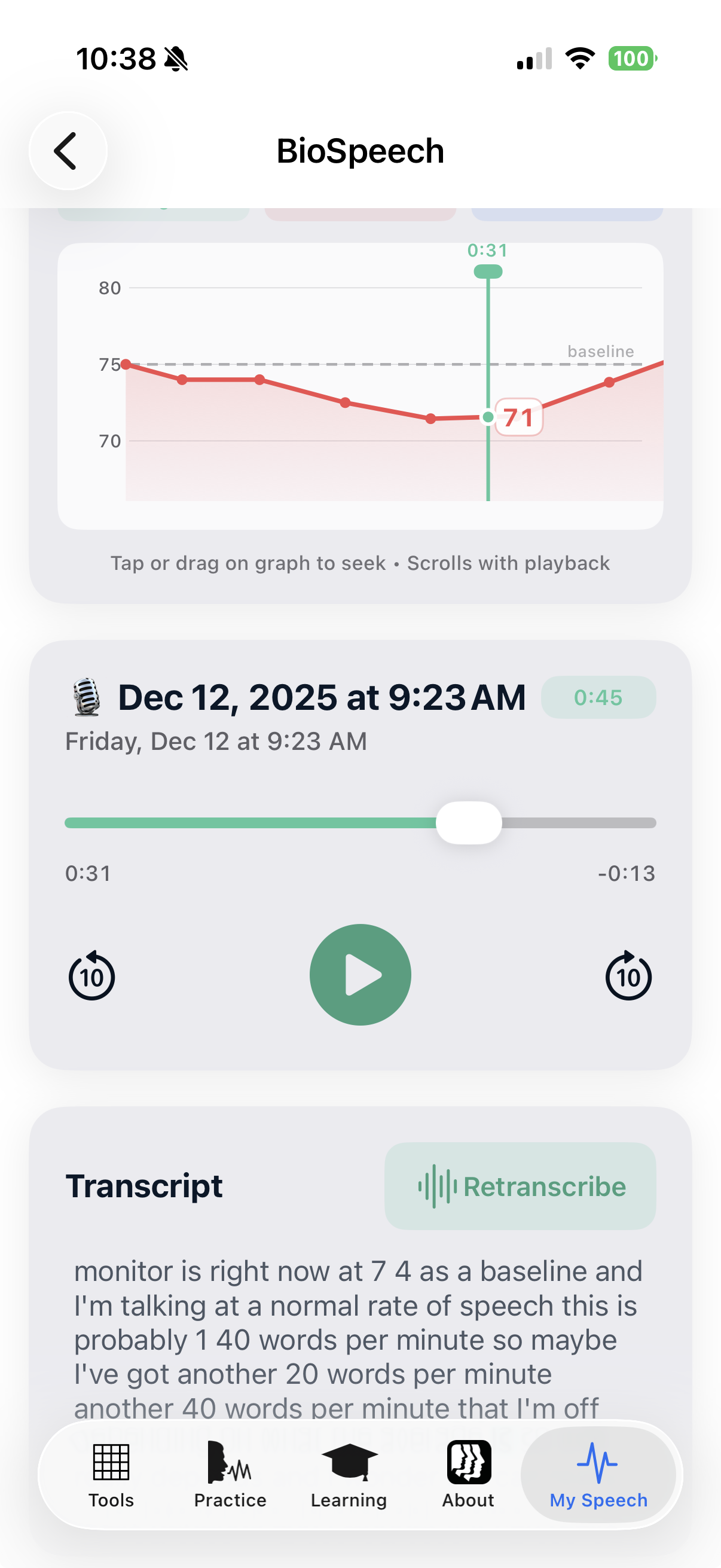
Every important conversation gets its own project: a presentation, feedback conversation, performance review, client meeting, team update, or sales conversation. Keep the work together and see how your communication improves over time.
Keep your conversations and presentations organized as projects for easy review, sharing, and practice. Look back at your history, learn from past conversations and presentations, and build on them. Speech Companion grows with you throughout your career.
Your workspace remembers the goals and material you choose to keep. Start the next conversation with context instead of a blank page, track patterns across your projects, and grow as a communicator from one opportunity to the next.
Start with a thought on iPhone or Android, practice hands-free before or after a meeting, use Apple Watch to notice how you respond while speaking, and continue deeper work on the web. Your projects stay connected across your devices.
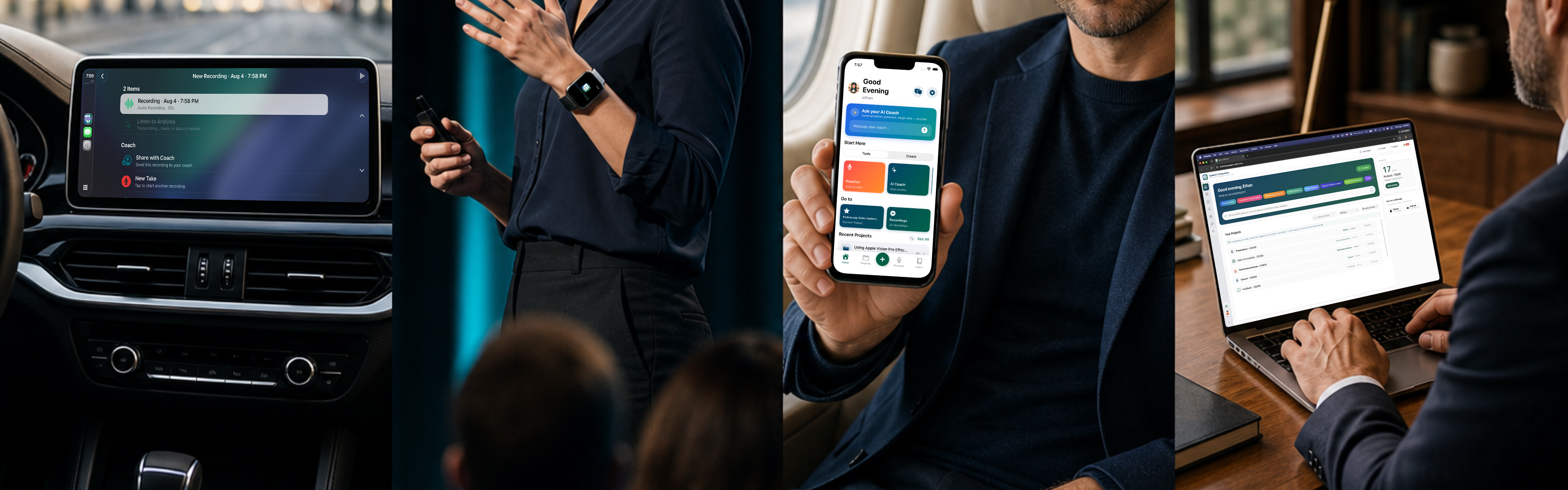
Speech Companion helps you prepare and practice communication without connecting to your company's email, calendar, CRM, HR platform, shared drives, or internal databases. You control what you enter, and your content is protected using secure authentication and established cloud infrastructure.
Start with the thought, draft, or conversation in front of you. Develop the content, practice the delivery, and be ready when it matters. Free for individuals; team plans are available.
Tell us about your team and we will follow up shortly.